Choose a home
Every agent and collection lives in a workspace, with a defined regional scope.
Organize applications into workspaces, grant access deliberately, and protect the collections your agents must not remove.
How it fits together
Every agent and collection lives in a workspace, with a defined regional scope.
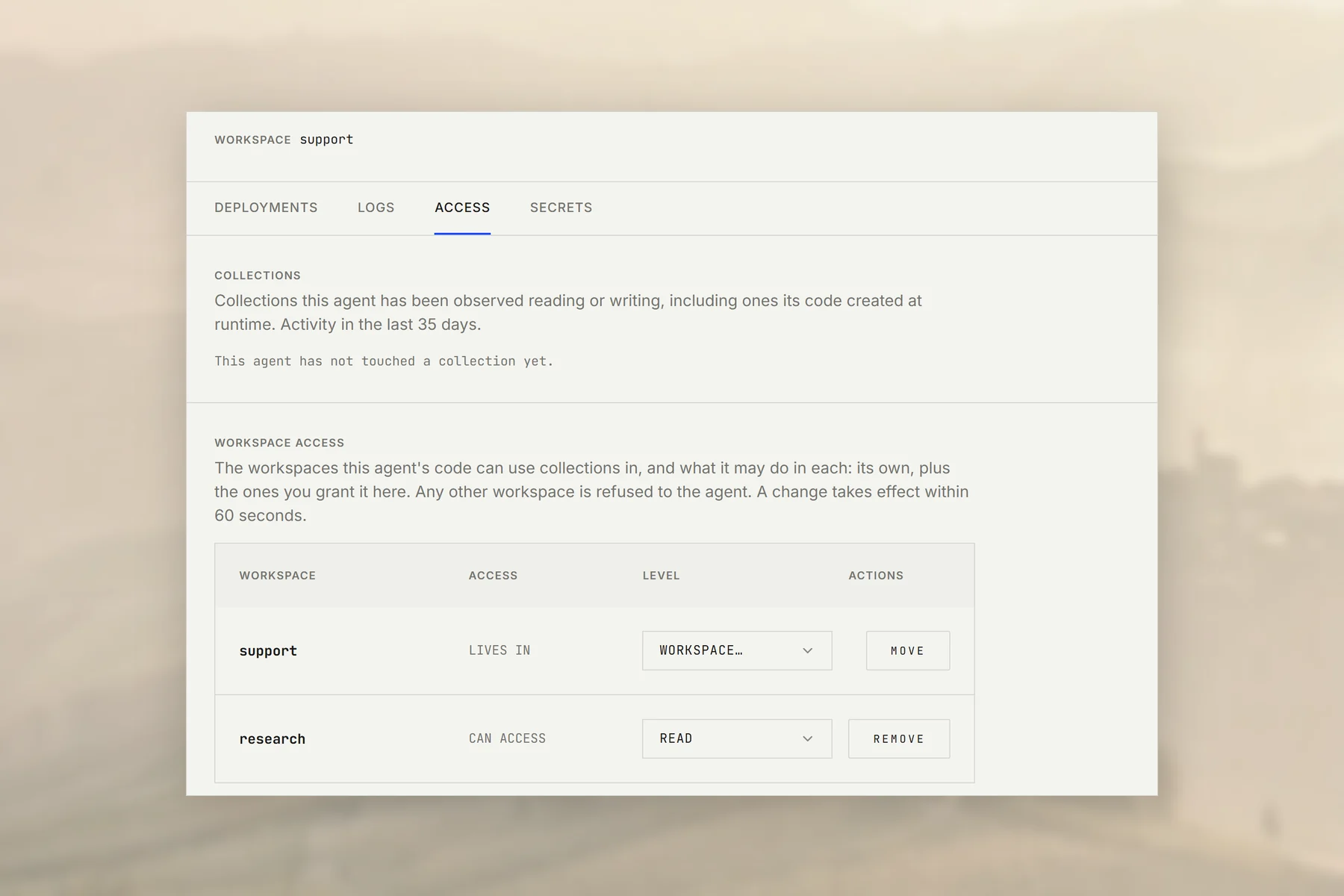
Use its home access level and explicit grants for other workspaces.
Combine access levels, collection protection, and managed secrets.
An application boundary
A workspace groups agents, collections, discovery, and shared secrets. Every agent and collection has exactly one home, and the workspace bounds the regions its resources can use.
Explore workspace behavior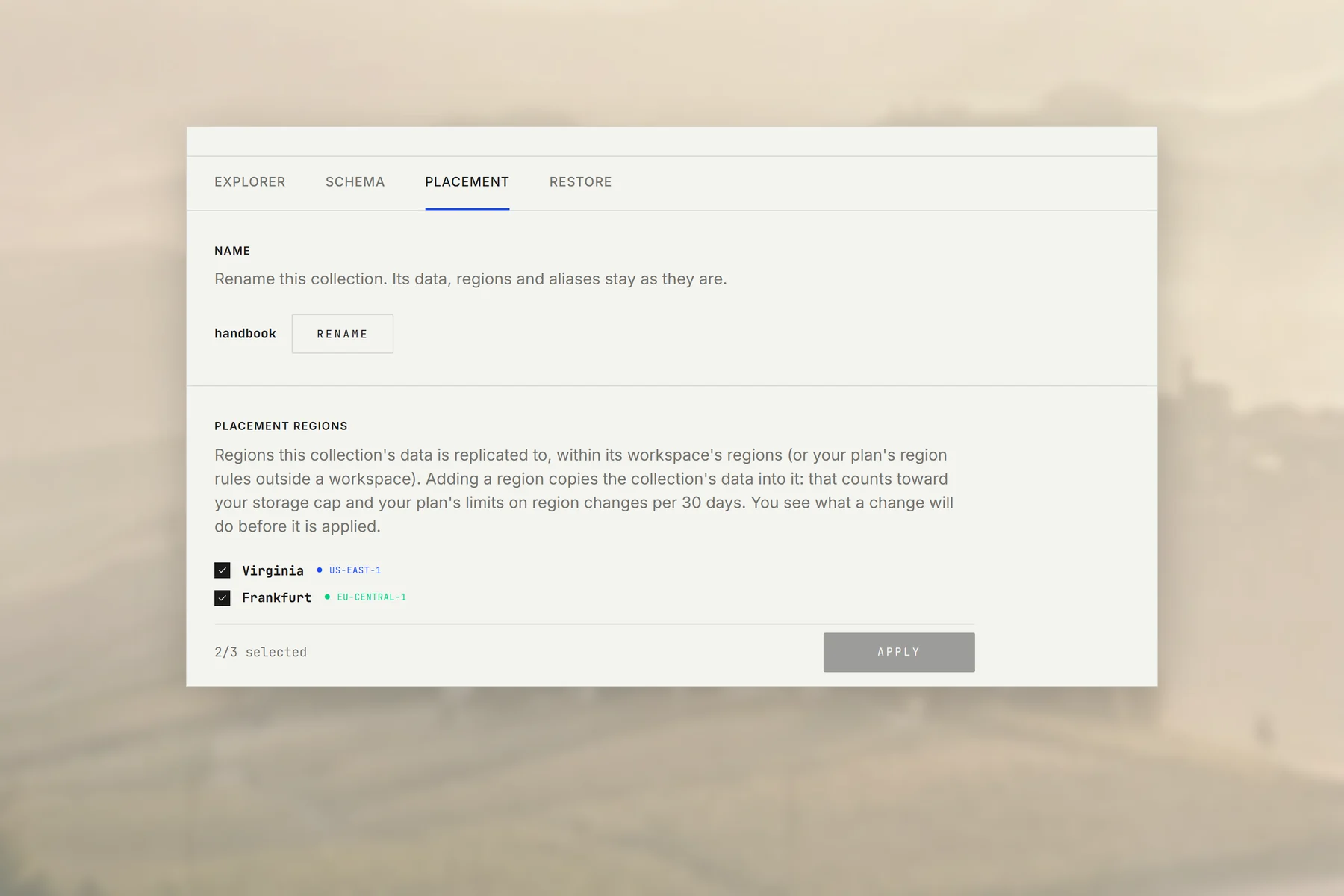
Use workspaces to organize applications or customer environments. An agent can be granted access to collections in another workspace without moving its own code or changing where it lives.
Reach and permission
Read access lets an agent search and inspect. Read and write access adds collection creation, point writes, and payload indexes. Full access adds structural changes and deletion of unprotected collections.
The level in a granted workspace belongs to that grant; an agent’s home level does not carry over. The account owner manages these levels. Agents cannot change their own grants or raise their own access.
A separate safeguard
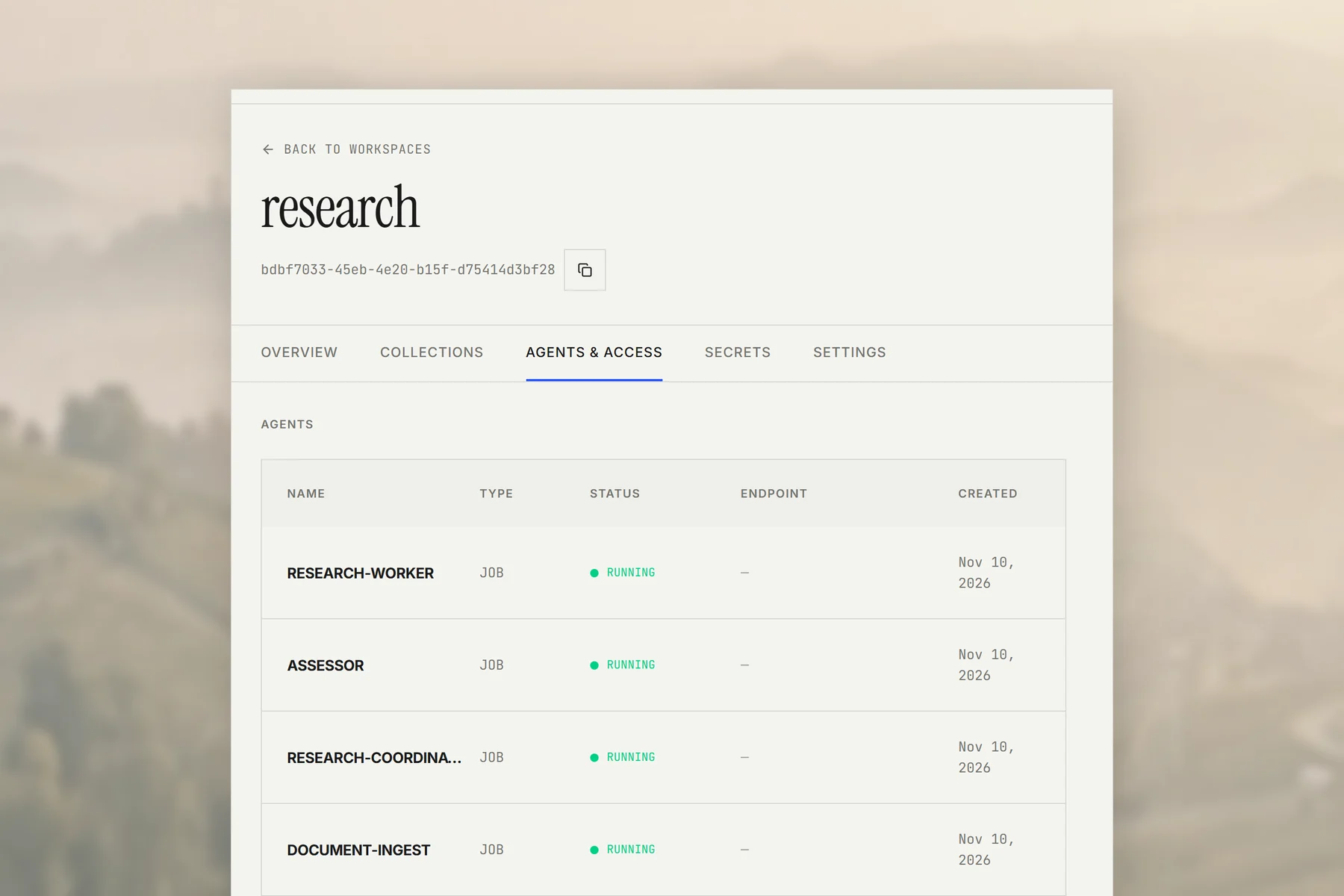
A protected collection refuses destructive agent operations such as deleting points or deleting the collection. This adds a boundary even for an agent that otherwise has full access.
Protection and access restrictions apply to agent keys. Your own account key and dashboard remain owner-level surfaces. Collection permissions do not replace authorization for the people using your application.
Understand collection protectionafy access research-workerafy collections get handbook --workspace researchafy collections protect handbook --workspace researchCredentials belong in the platform
Store provider keys and other credentials as encrypted secrets. Workspace secrets reach the agents living there; an agent-specific secret with the same name takes precedence for that agent.
Read how secrets are applied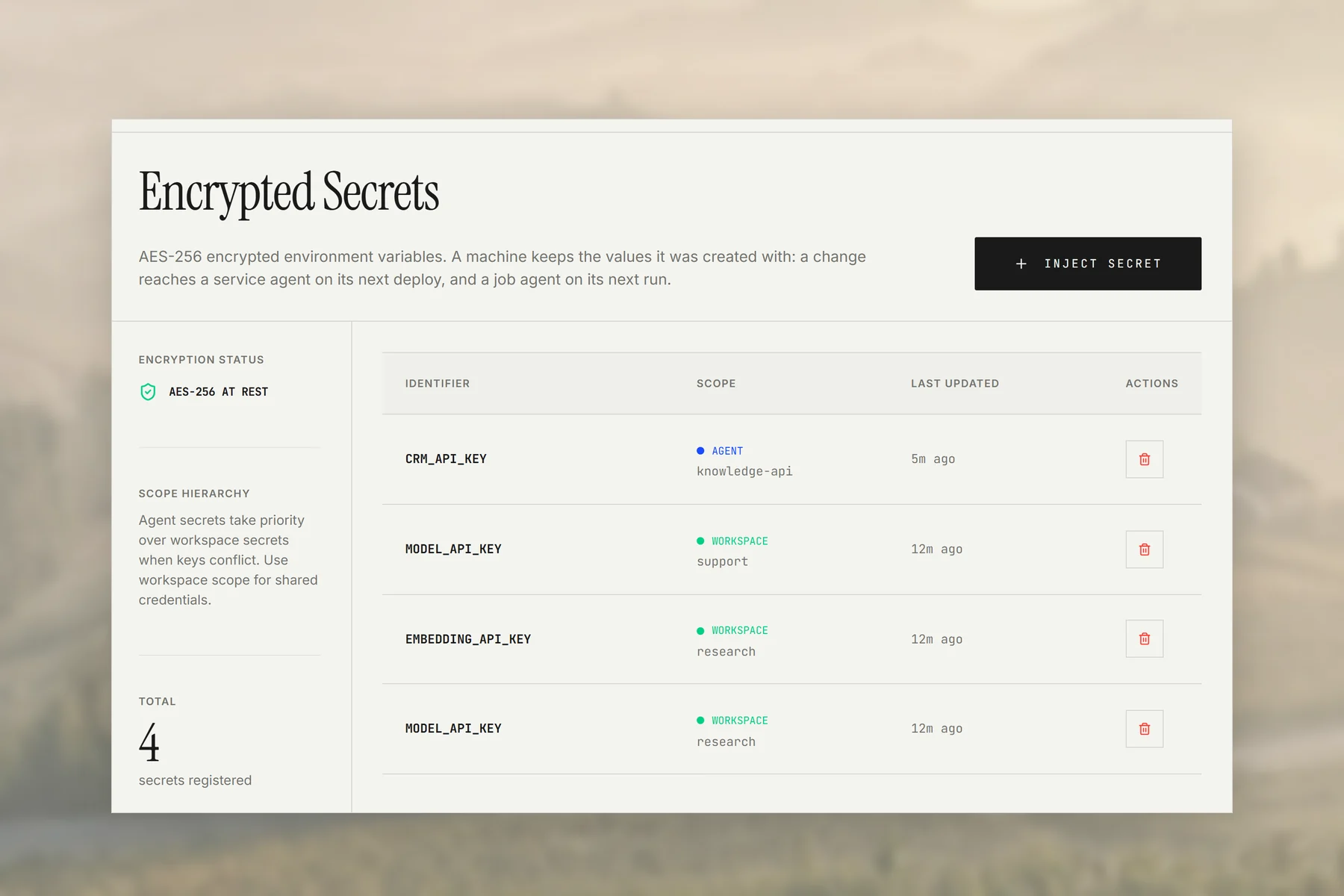
A service picks up a changed secret on its next deployment; a task picks it up on its next run. The manifest describes execution rather than duplicating names, grants, and credentials that the platform manages.
A concrete starting point
The CLI exposes an agent’s home workspace and granted access. A coding assistant using your account credentials has owner-level authority, so distinguish it from a deployed agent’s restricted key.
Continue in the documentationafy access research-workerafy workspaces list --jsonafy collections list --workspace research --jsonA clear division of work
Before you build
No. The owner manages access levels, grants, defaults, and collection protection. These settings are not fields an agent can raise through its manifest.
Agent access changes take effect within the documented refresh window, up to 60 seconds on the vector API. Design revocation behavior around that window rather than assuming every in-flight request is interrupted.
Non-destructive writes still follow the agent’s access level. Protection refuses operations that remove data or the collection itself. The docs list the exact operation rules.
One platform for the work ahead